Soft DB KMS Key Configurations
Basic Settings
The basic settings section defines the common metadata for a Soft DB KMS key configuration and identifies which key storage driver OTPKI will use for this configuration.
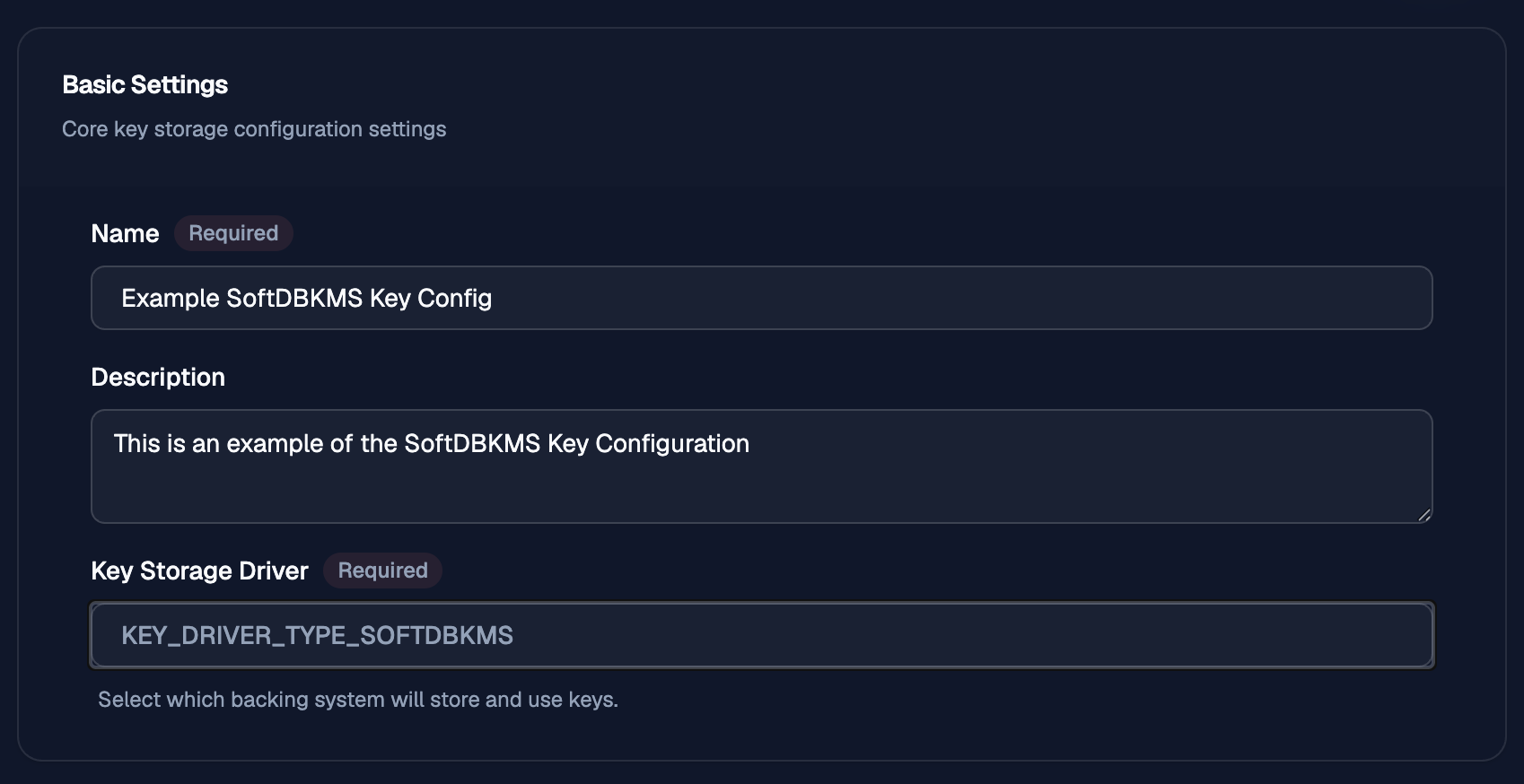
Name
Use Name to give the key configuration a clear label that operators can recognize later when selecting storage for keys or reviewing existing configurations.
Description
Use Description to record the purpose of the configuration, the environment it belongs to, or any operational notes that will help administrators distinguish it from other Soft DB KMS configurations.
Key Storage Driver
Key Storage Driver identifies the backing plugin used to store and operate keys. For this configuration, the driver is fixed toKEY_DRIVER_TYPE_SOFTDBKMS.
Security
The security section defines how OTPKI protects sensitive key material and backend-specific key data associated with a Soft DB KMS key configuration.
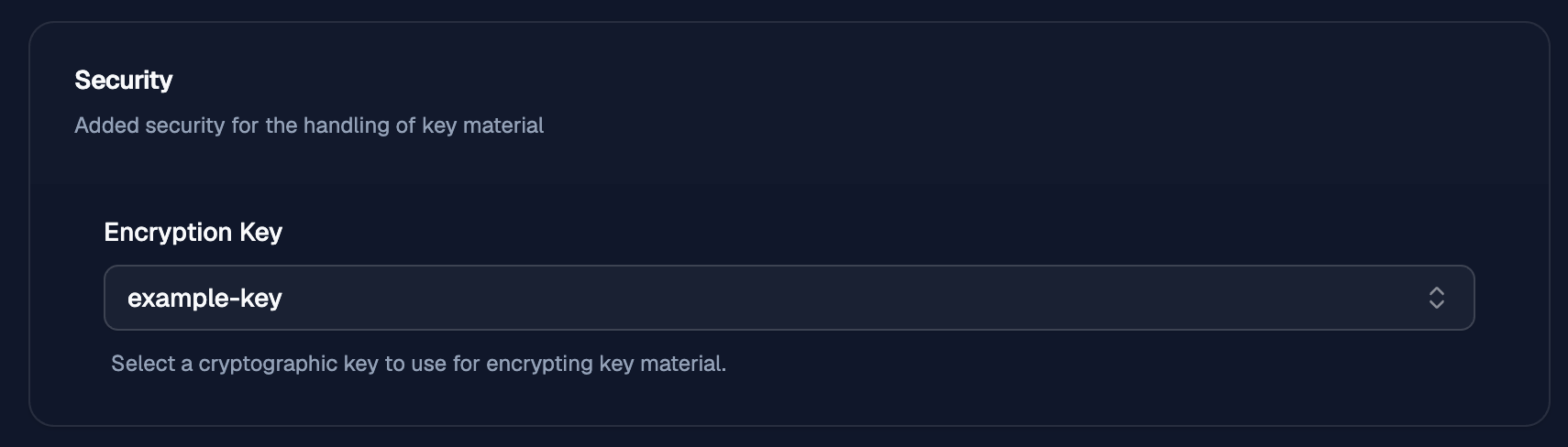
Encryption Key
Use Encryption Key to select the cryptographic key OTPKI will use to encrypt stored key data that must be protected at rest.
The selected key must allow encrypt anddecrypt usage so OTPKI can protect and later read the stored configuration data.
If no encryption key is selected, OTPKI falls back to the password supplied through the OTPKI_KEY_ENCRYPTION_PASSWORDenvironment variable, supplied during deployment. If that value is blank, the data is encrypted using an empty string ("") as the password.
For Soft DB KMS, there is no driver-specific configuration data stored in the key storage configuration itself. When an Encryption Key is selected, OTPKI uses it to encrypt the key data stored for each Soft DB KMS key, which is the private key material.
Activation
The activation section controls whether a key configuration must be unlocked before OTPKI can use it.
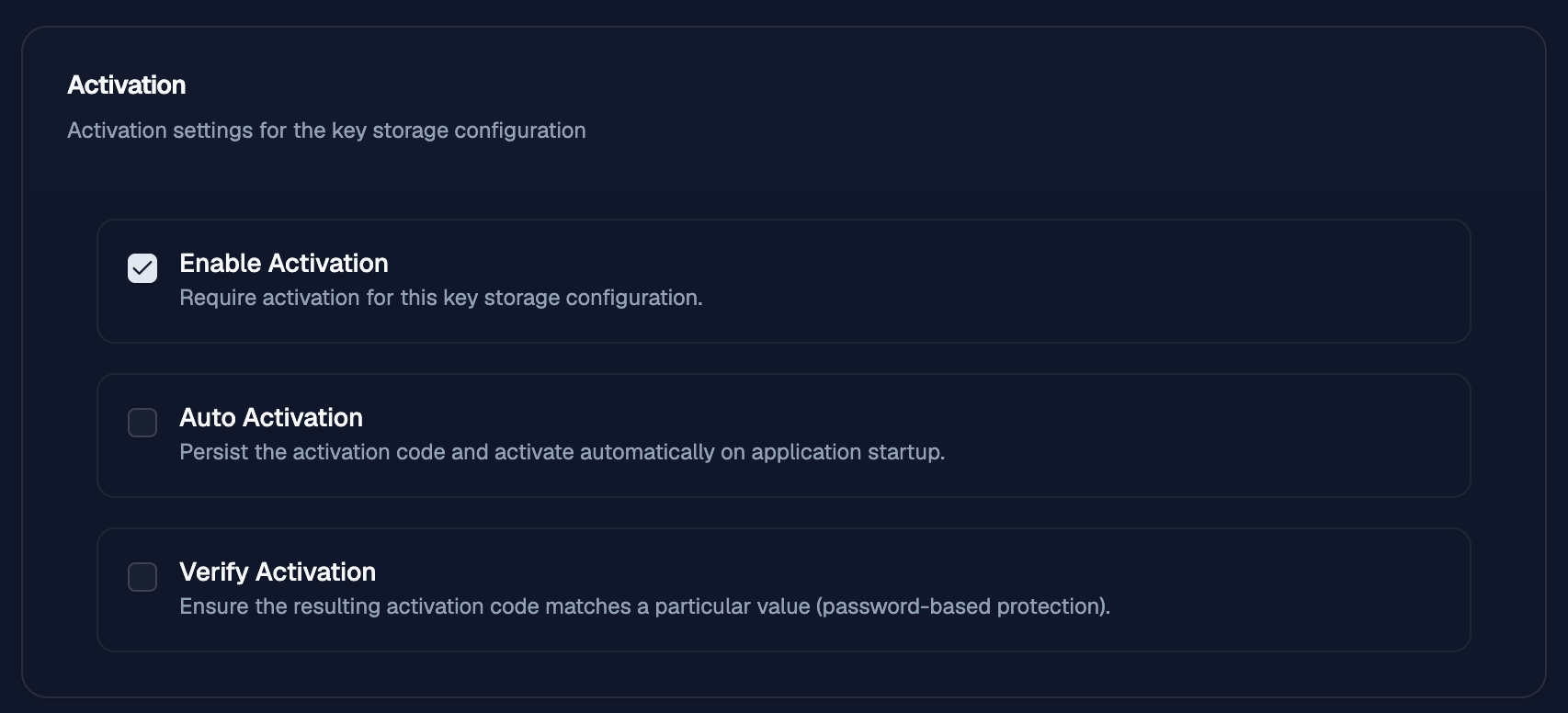
Enable Activation
Use Enable Activation when you want OTPKI to require an activation code before the key configuration can be used.
If this option is turned off, the configuration is treated as always active and no activation step is required.
Auto Activation
Use Auto Activation when you want OTPKI to remember the activation code and activate the configuration automatically when the application starts.
When this is enabled, OTPKI stores the activation code in encrypted form for later reuse.
Verify Activation
Use Verify Activation when you want OTPKI to check that the activation code matches a specific value.
Activation Code To Verify
Use Activation Code To Verify to provide the value that OTPKI compares against during activation when verification is enabled.
This is mainly useful for key storage backends that do not have their own external PIN or unlock check and need OTPKI to enforce the expected activation code itself.
For Soft DB KMS, this is especially useful because there is no external device PIN. It gives you a simple password-style check before the configuration is active.