Certificate Profile
Certificate Profiles control aspects of the issued certificates. For some fields it bounds acceptable input, replaces or requires certain fields on the issuance request.
There are many settings and we will describe each below:
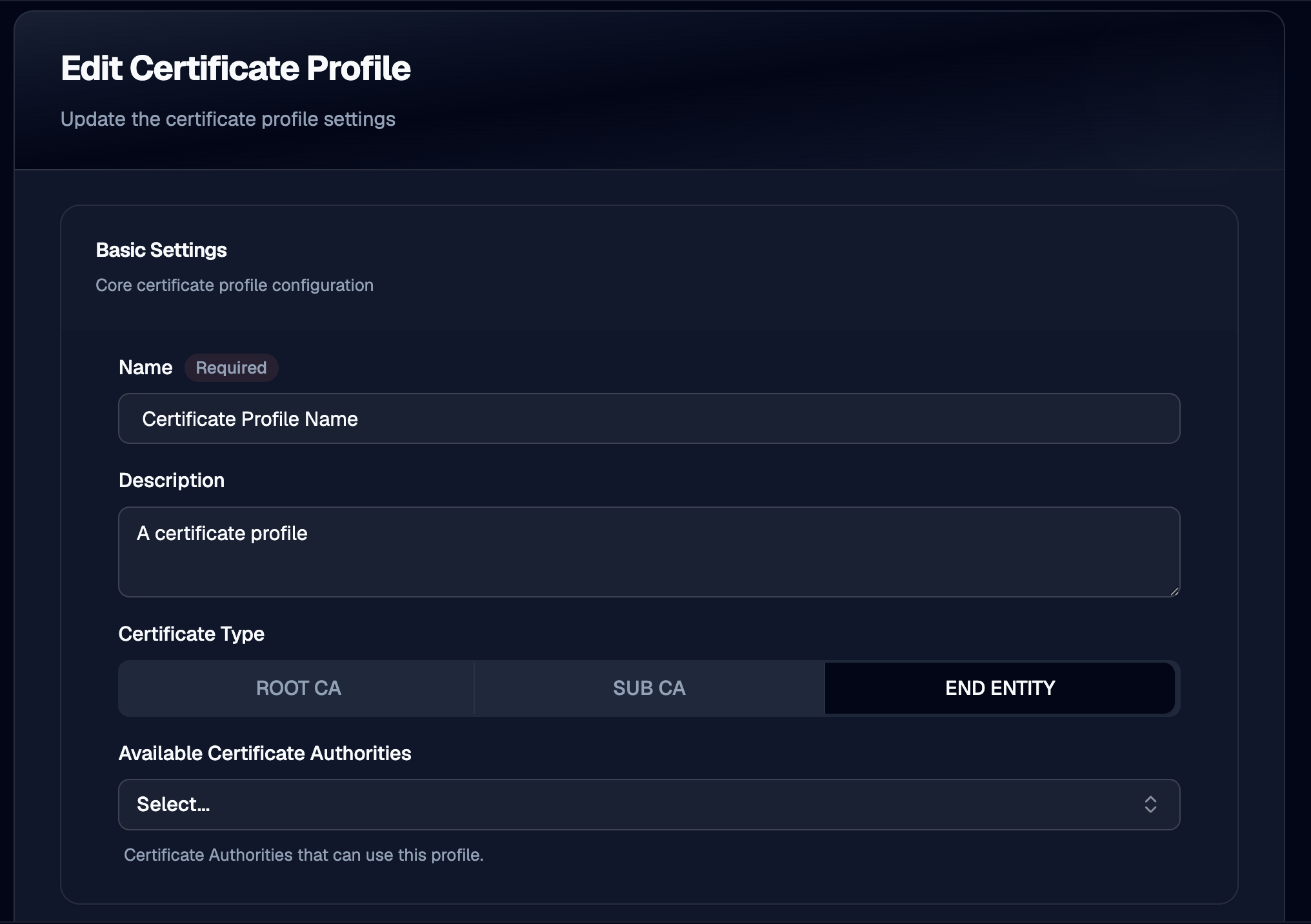
Certificate Profile Form
Basic Settings
Name and description are set here. Most importantly the type of certificate type must be chosen as either:
- Root CA
- Sub CA
- End Entity
Available CA's allows one to pick what CA's can use this certificate profile. Leaving this empty allows any CA to use this profile.
Approval
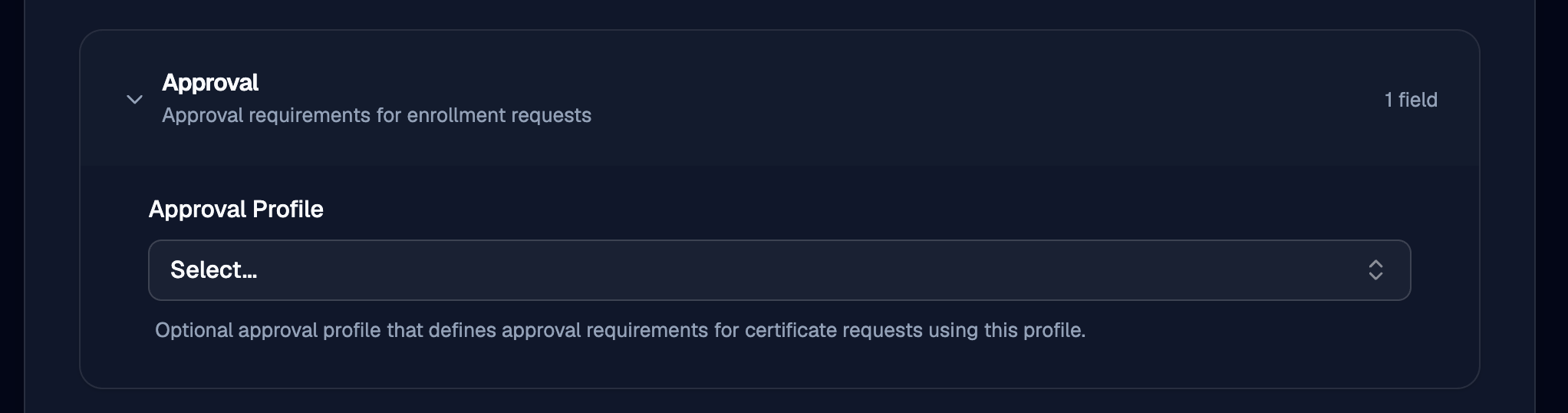
This section allows configuration for Approvals. See Approval Profiles for more information. These are optional.
Basic Constraints
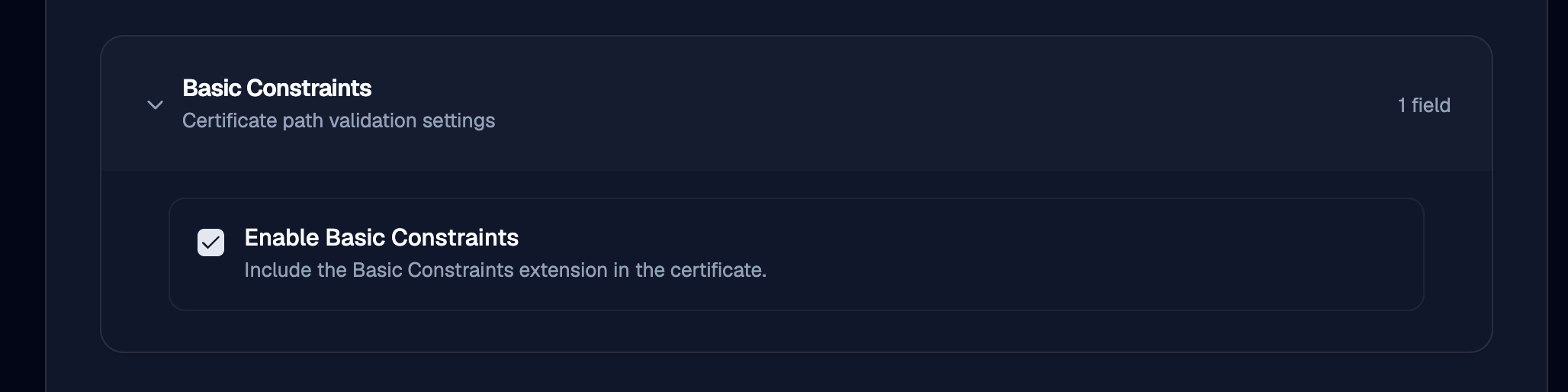
These control the issued certificates basic constraints extension. This will be important to configure correctly if this profile is to be used in issuing CA Certificates.
Validity Settings
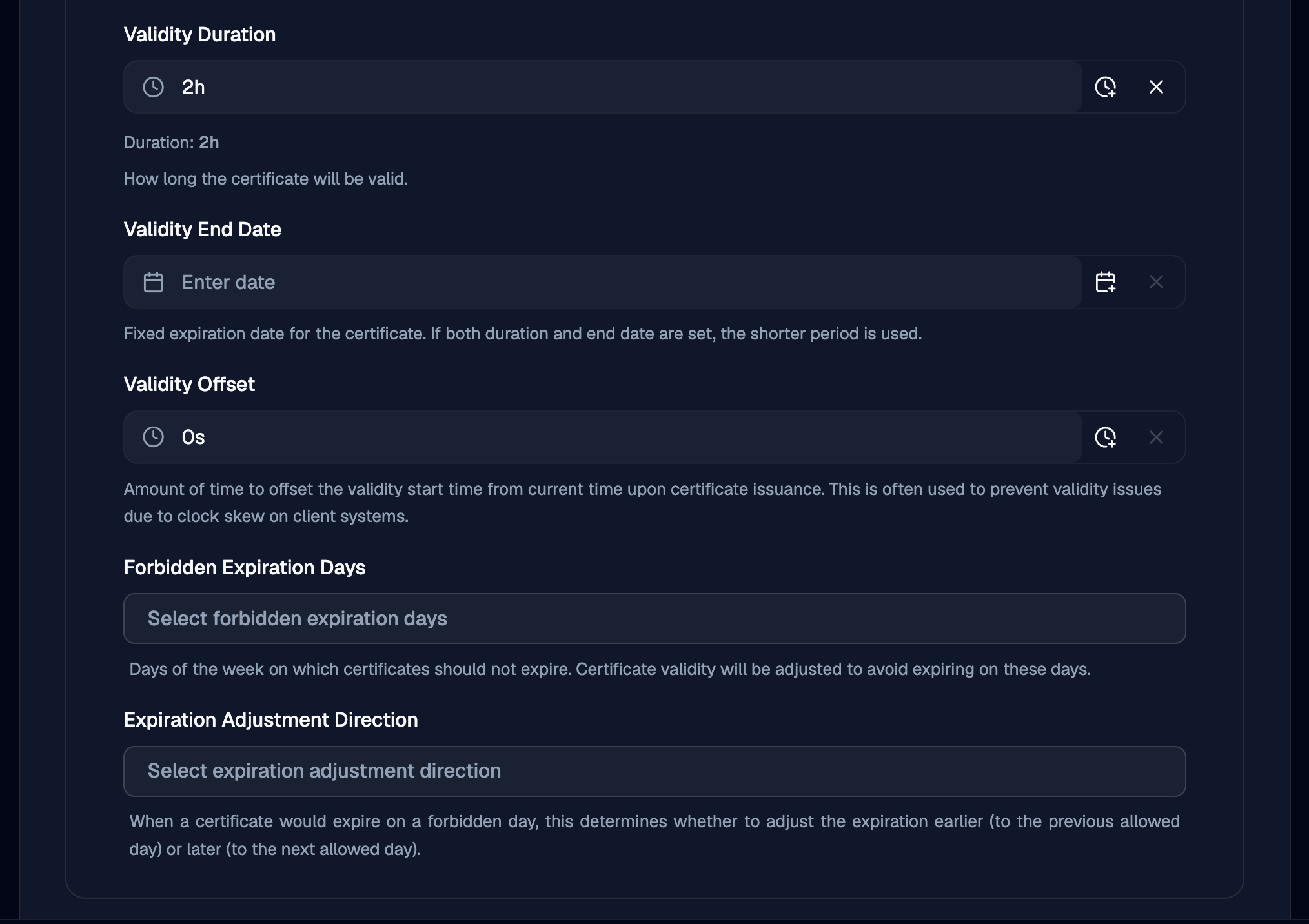
These control the validity period of the issued certificates. There are a number of ways to specify this period in the form, using an explicit end date, offset, or duration.
There are also some advanced features to control what day of the week should be avoided.
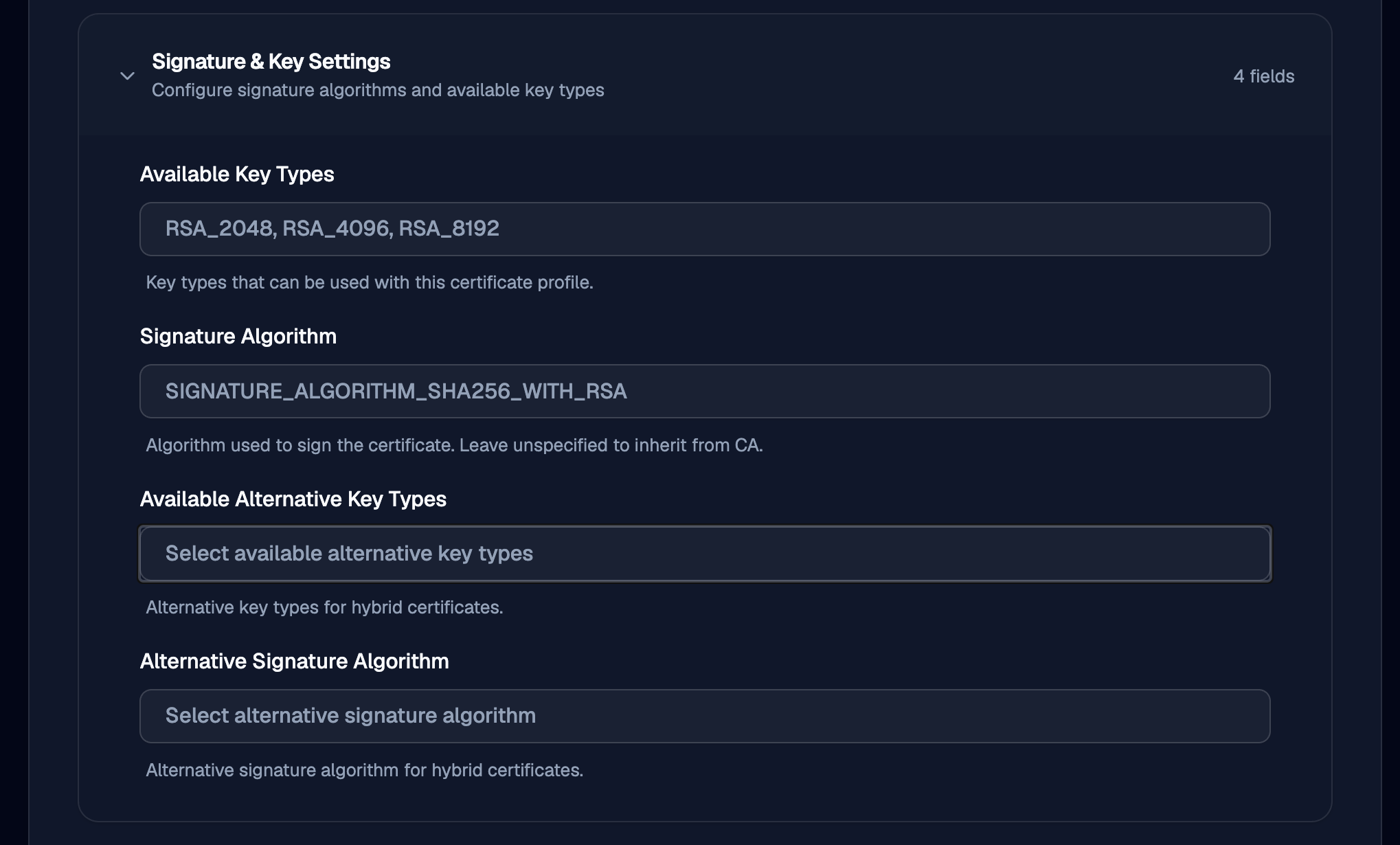
Signature & Key Settings
This allows constraints on the key to be checked to ensure it is of a required set of algorithms.
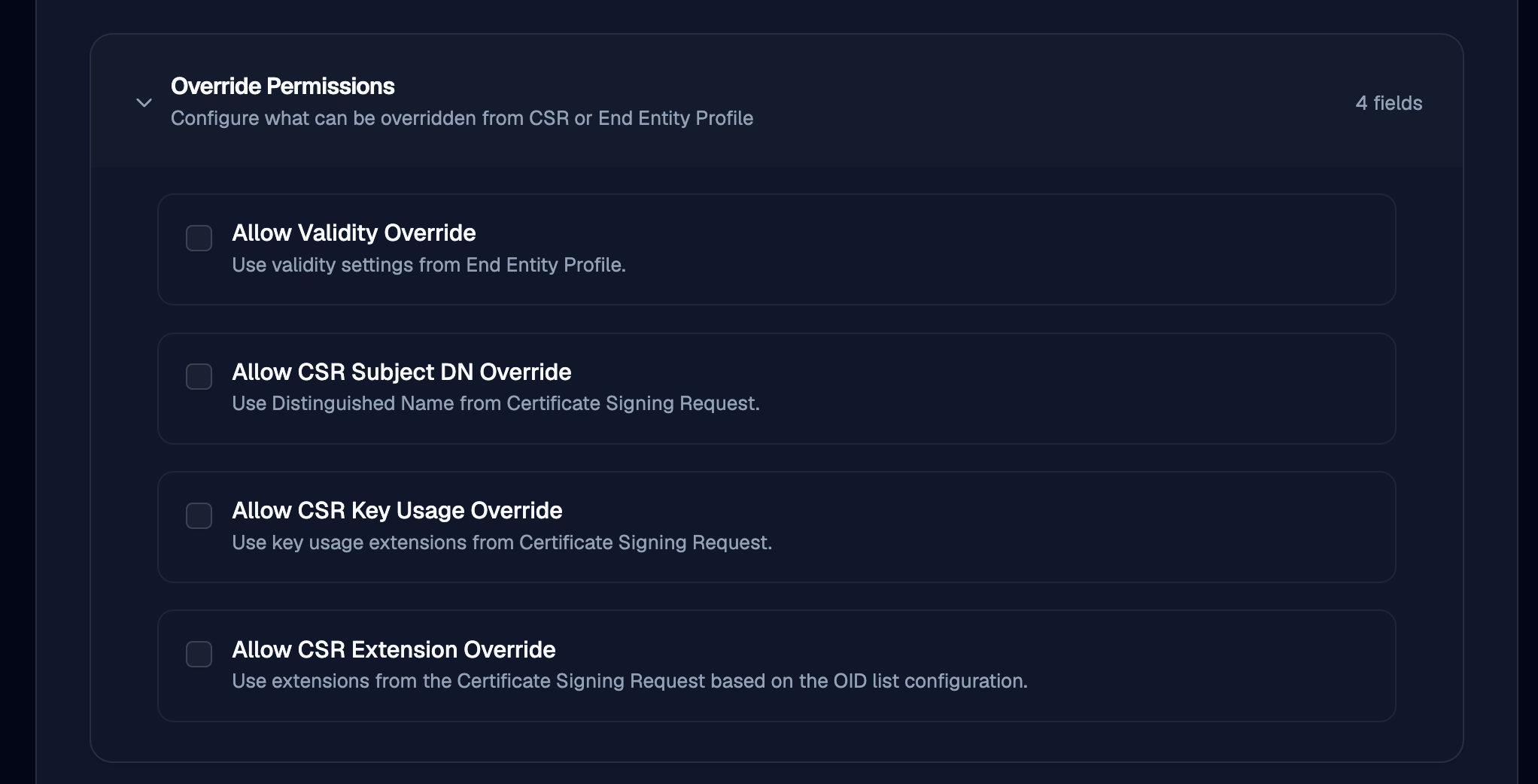
Override Permissions
This can allow for the CSR to bypass the specified settings from this profile.
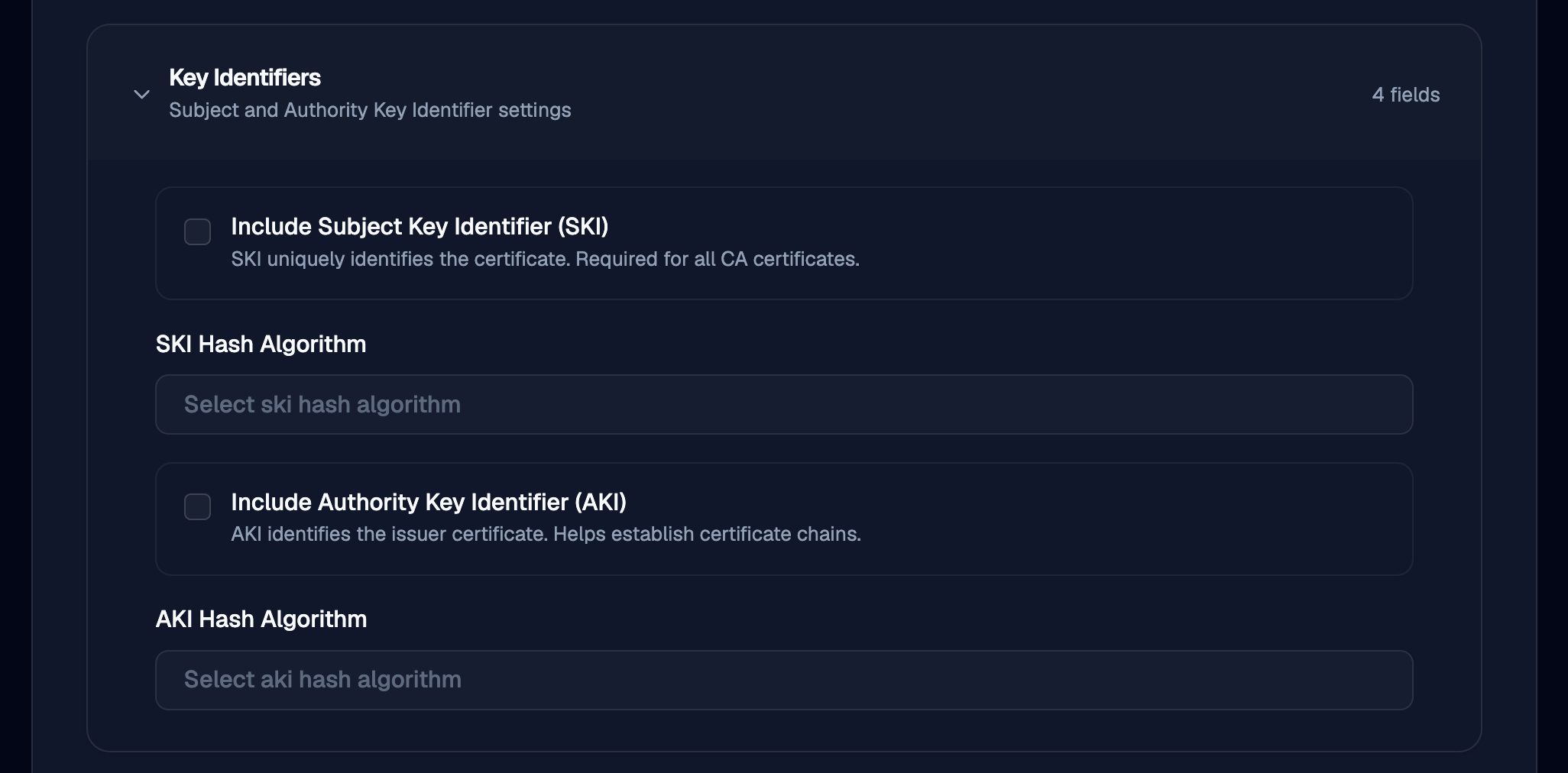
Key Identifiers
This can allow the specification of the AKI or SKI hash algorithm used.
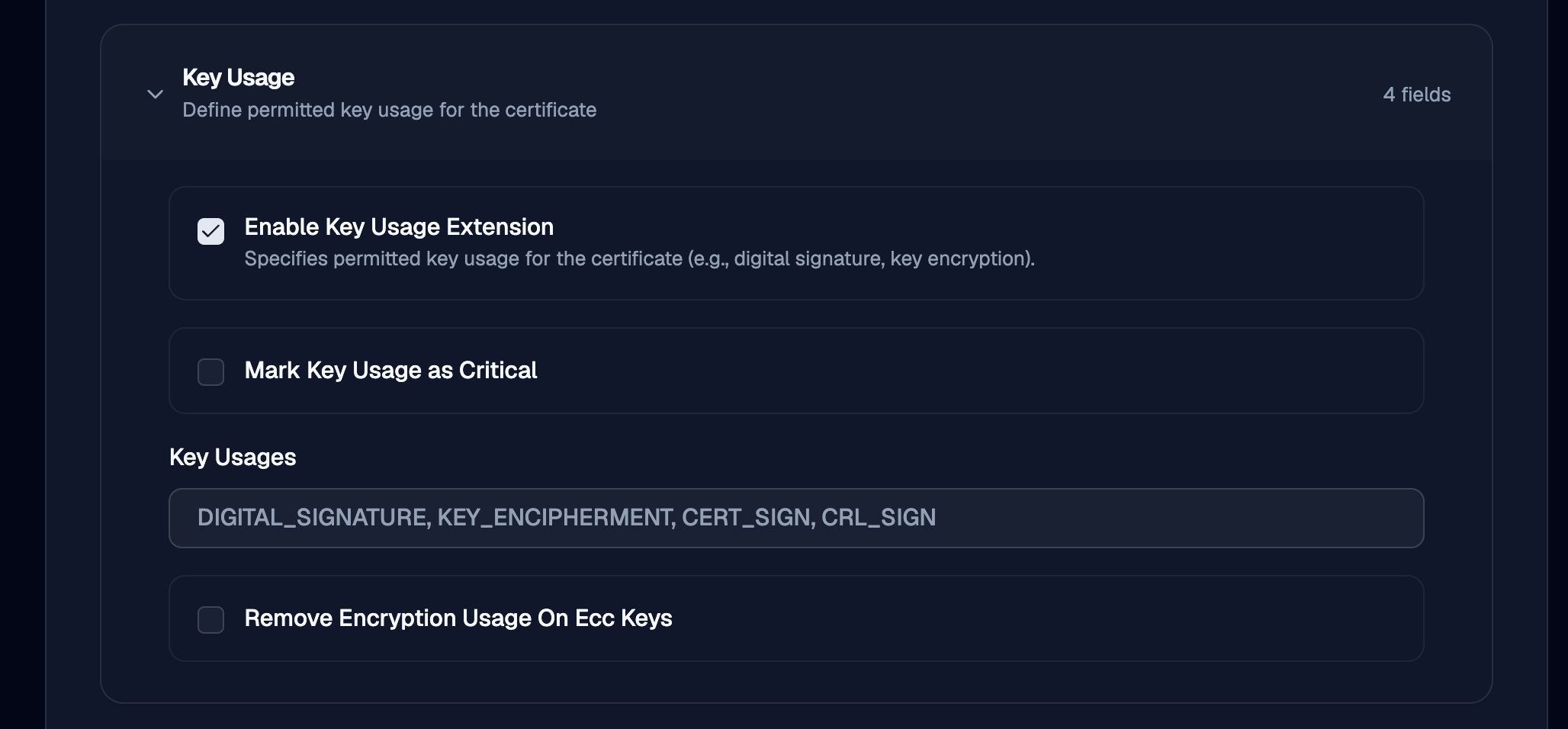
Key Usage
This setting allows for the specification of key usages on the issued certificate extension. This would be important to enable for CAs.
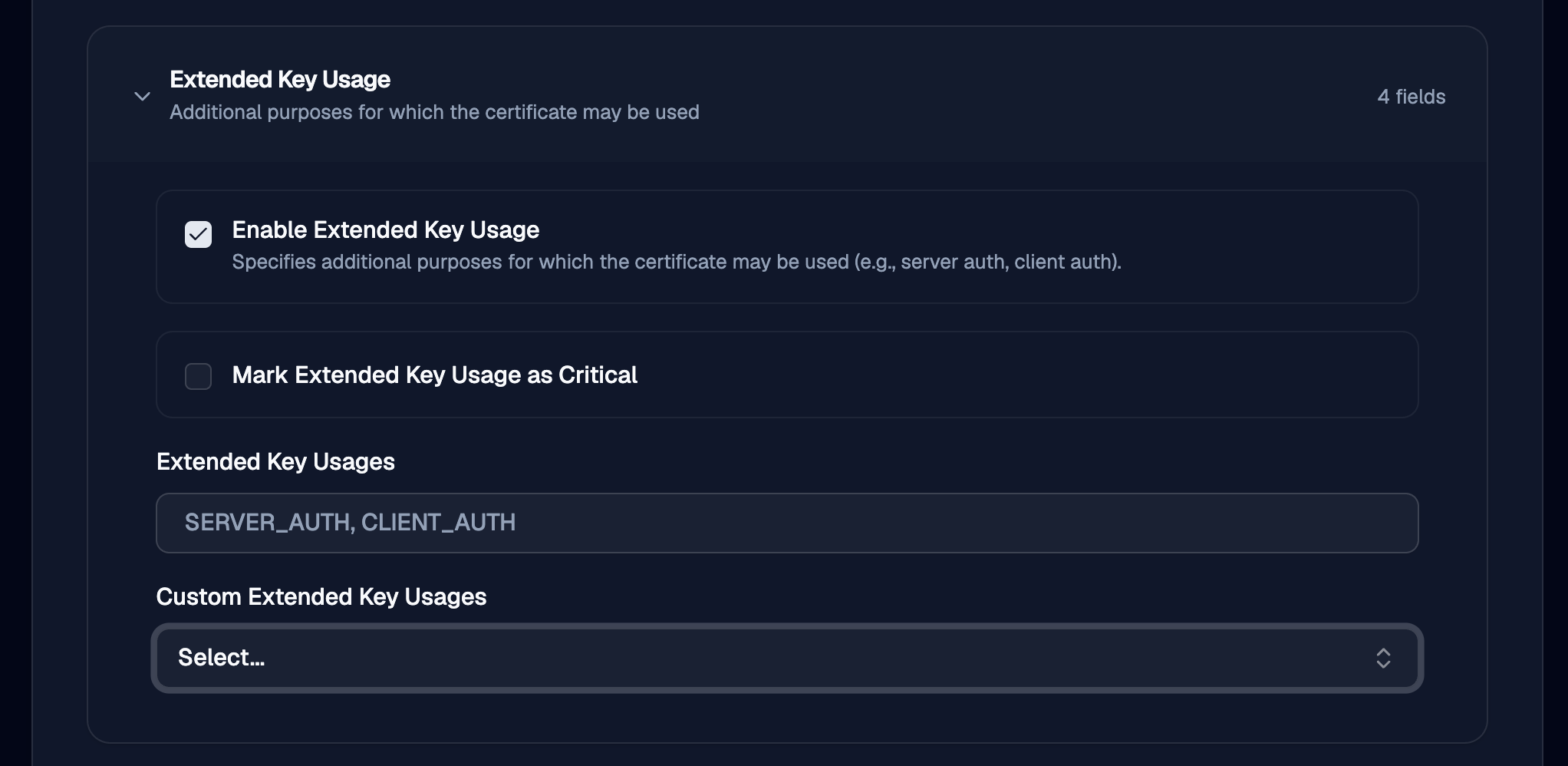
Extended Key Usage
Similar to key usage, this is a different x509 extension that allows additional key usage flags to be set.
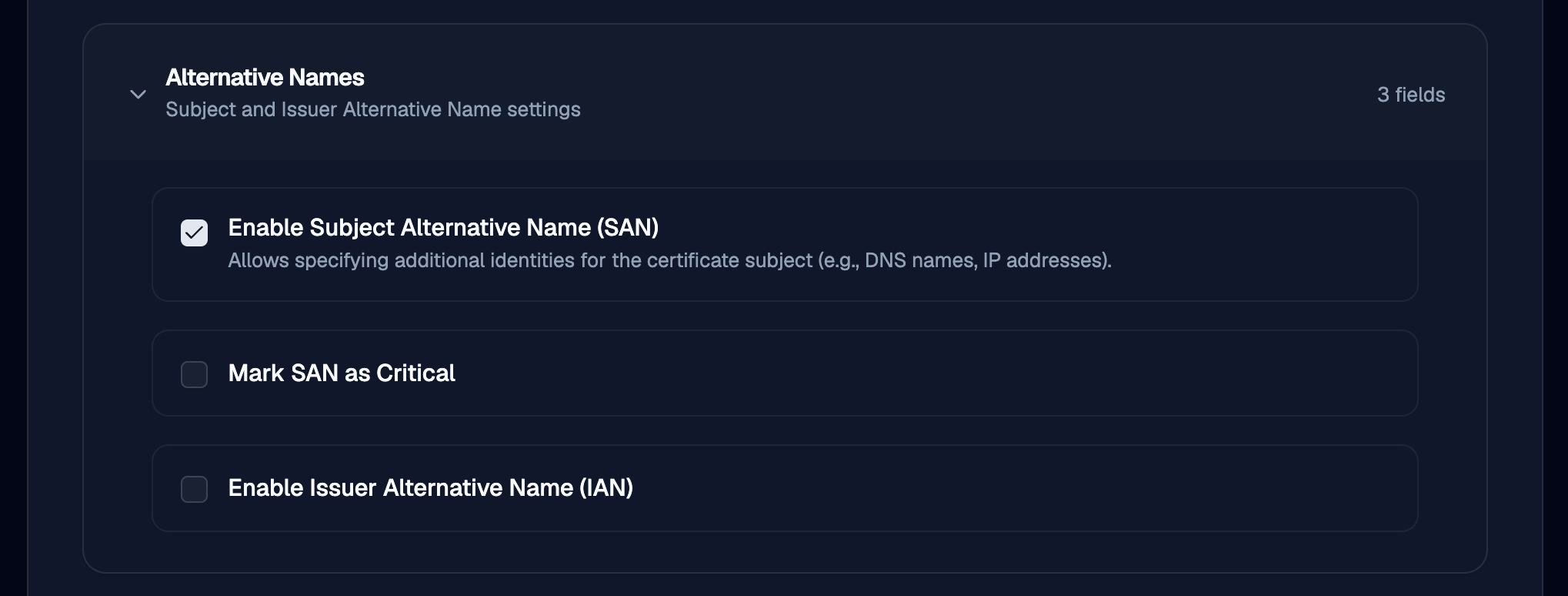
Alternative Names
This controls the SAN settings.
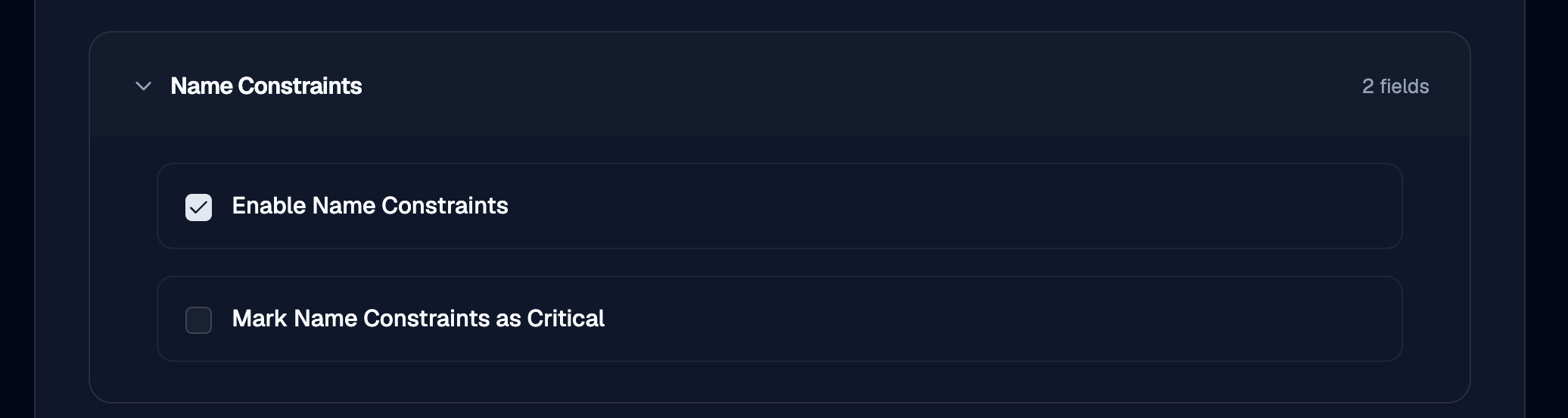
Name Constraints
Enables the Name constraints extension and criticality.
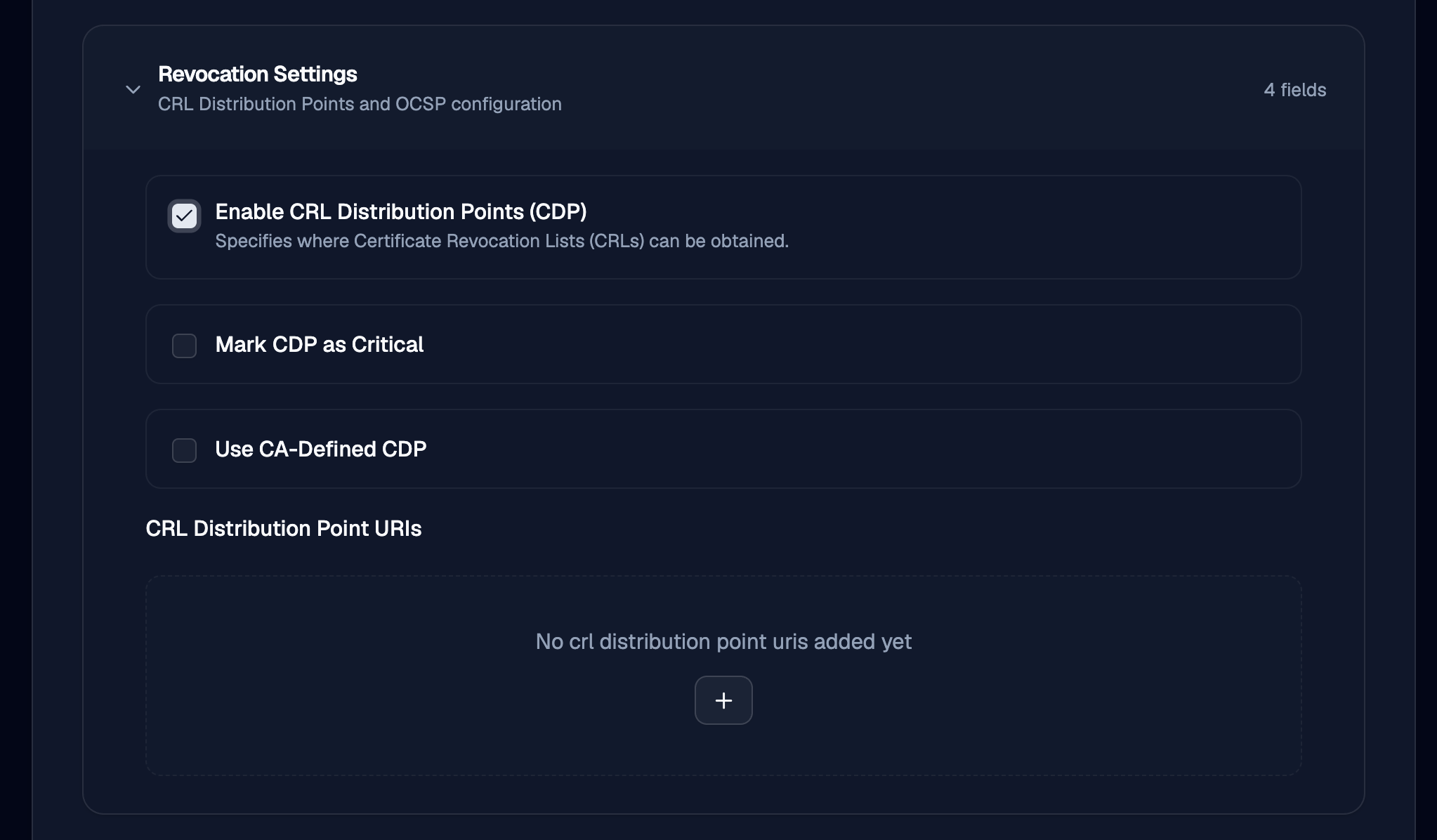
Revocation Settings
Allows specification of the CDP, which may be useful if CRLs are published to an externally hosted endpoint.
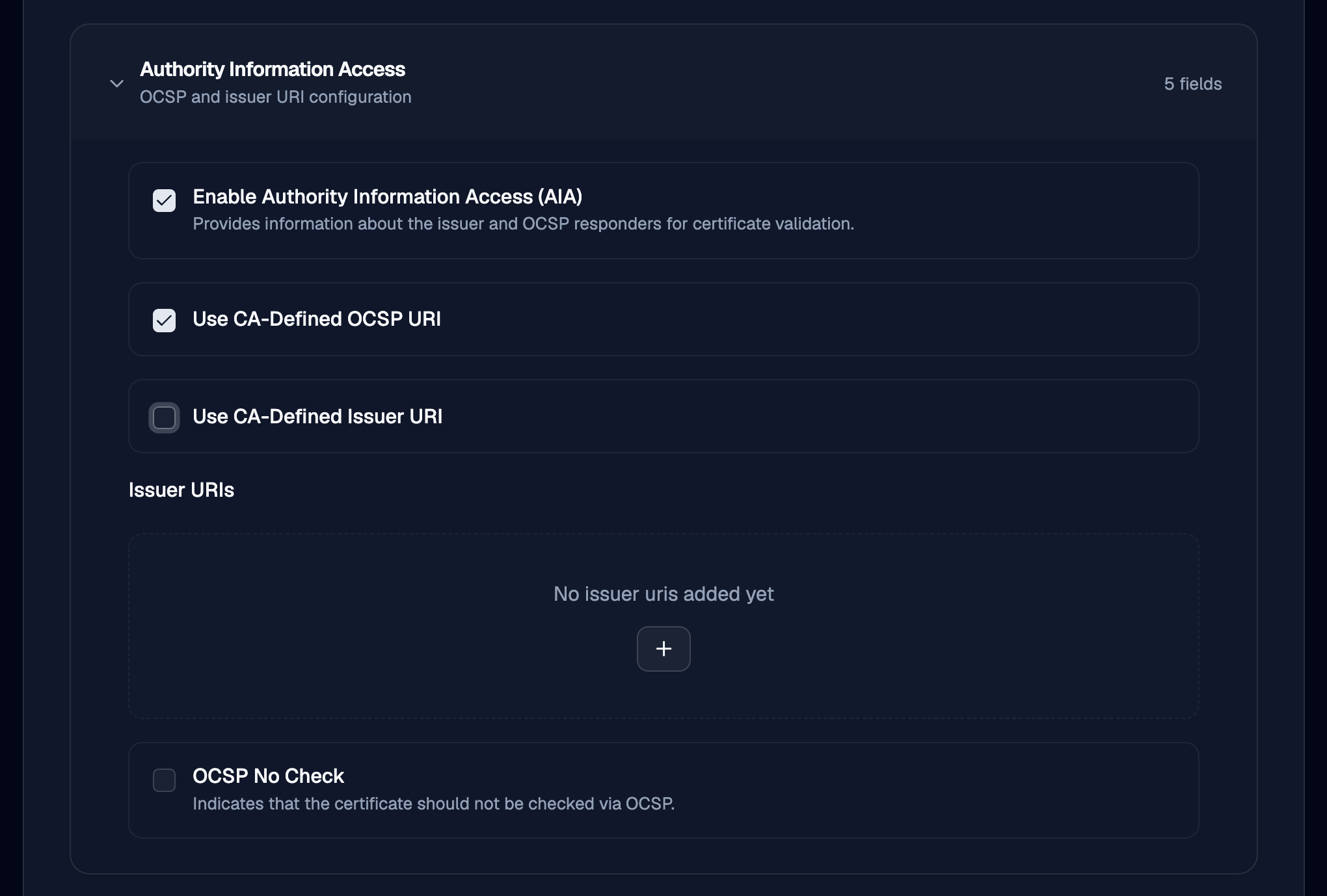
Authority Information Access
This allows configuration of the AIA for OCSP.
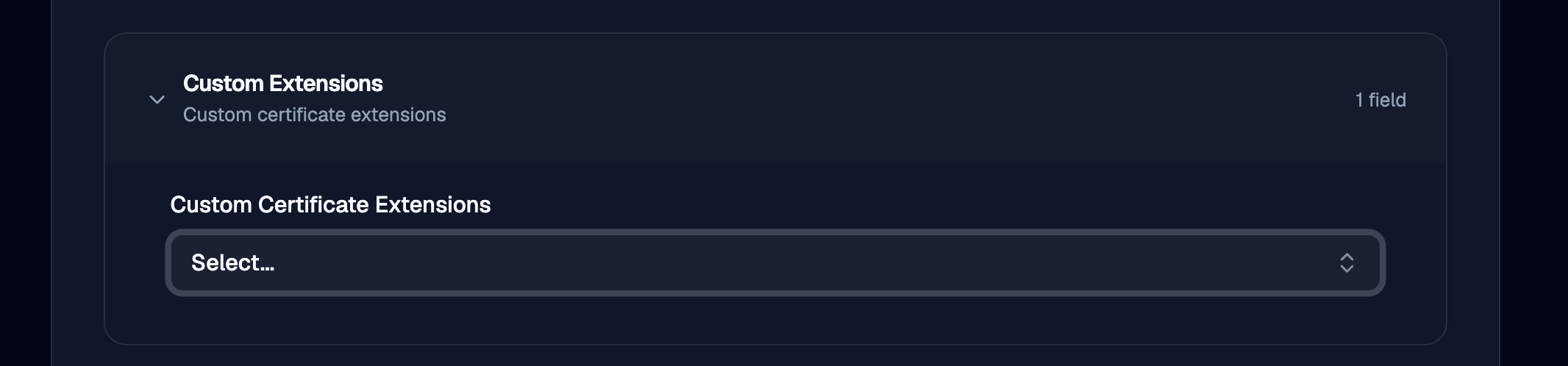
Custom extension
OTPKI has Custom Certificate Extensions which allow you to supply your own OIDs into issued certificates here. See Certificate Extensions for more info.
Misc
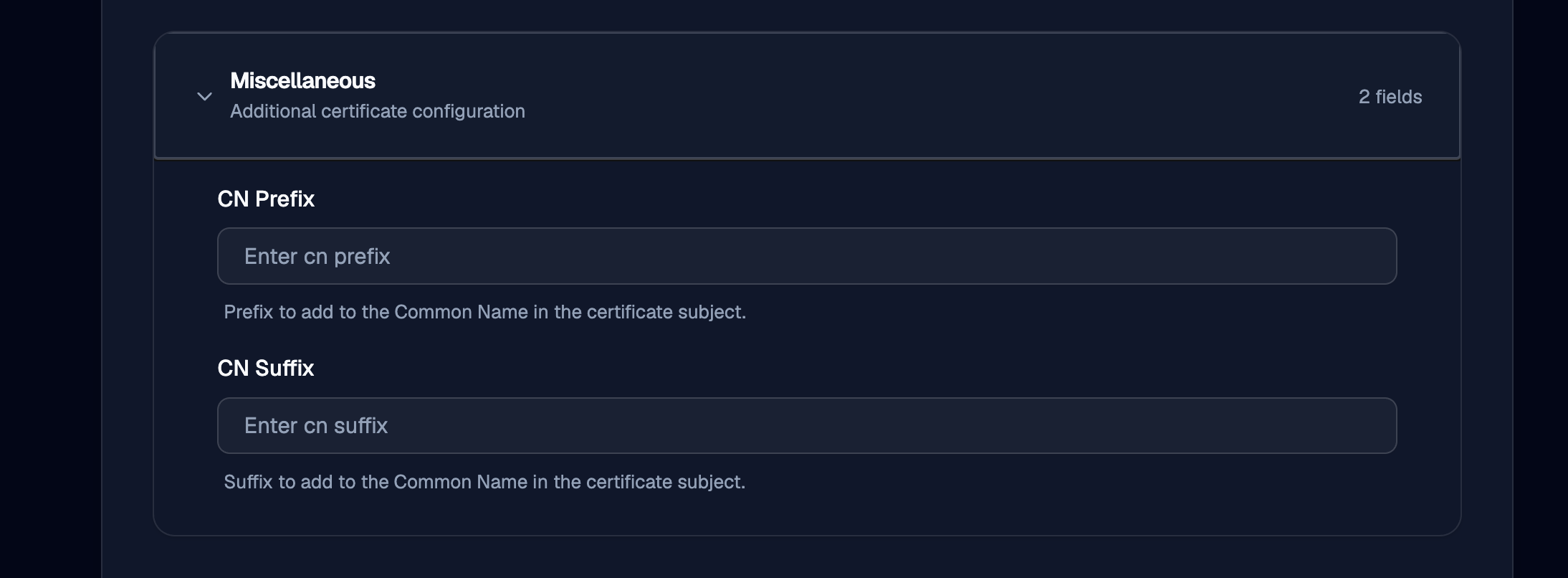
Settings that do not fall into a category above may be found here. For now this enables common name pre/post-fix strings to be added to the issued certificate subject common name.